StoryStow is a chat with yourself. Toss in notes, links, photos, files and voice notes — organize them with labels, and find them all simmering in one warm place.
No account. No cloud. Just you and your thoughts.
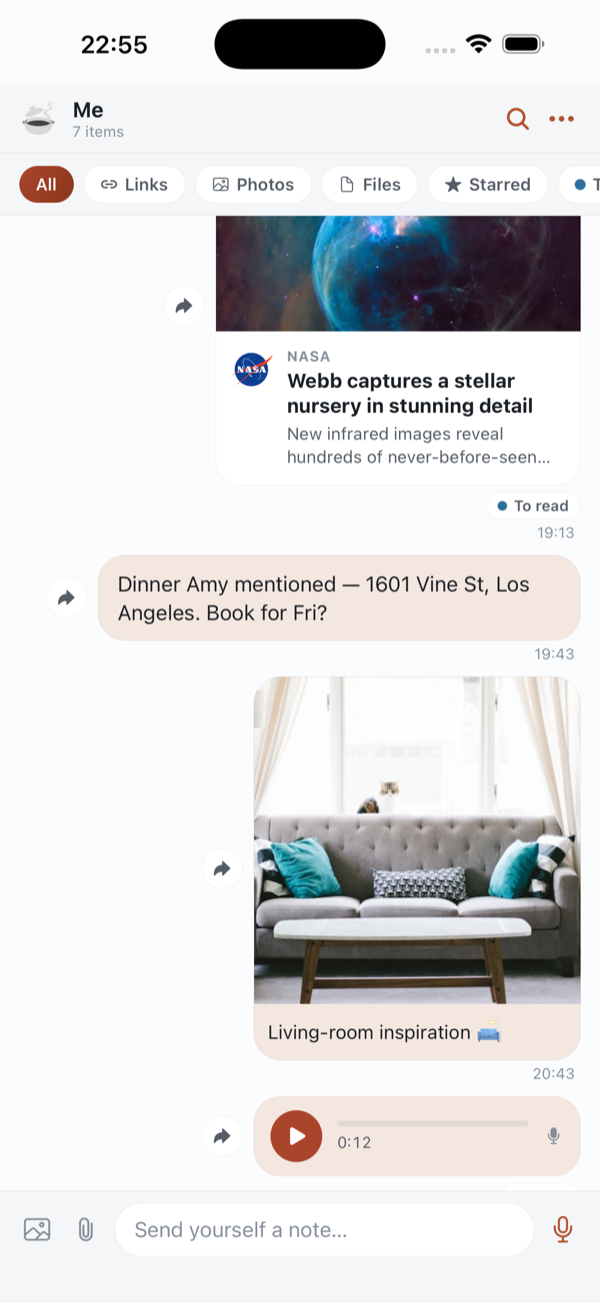
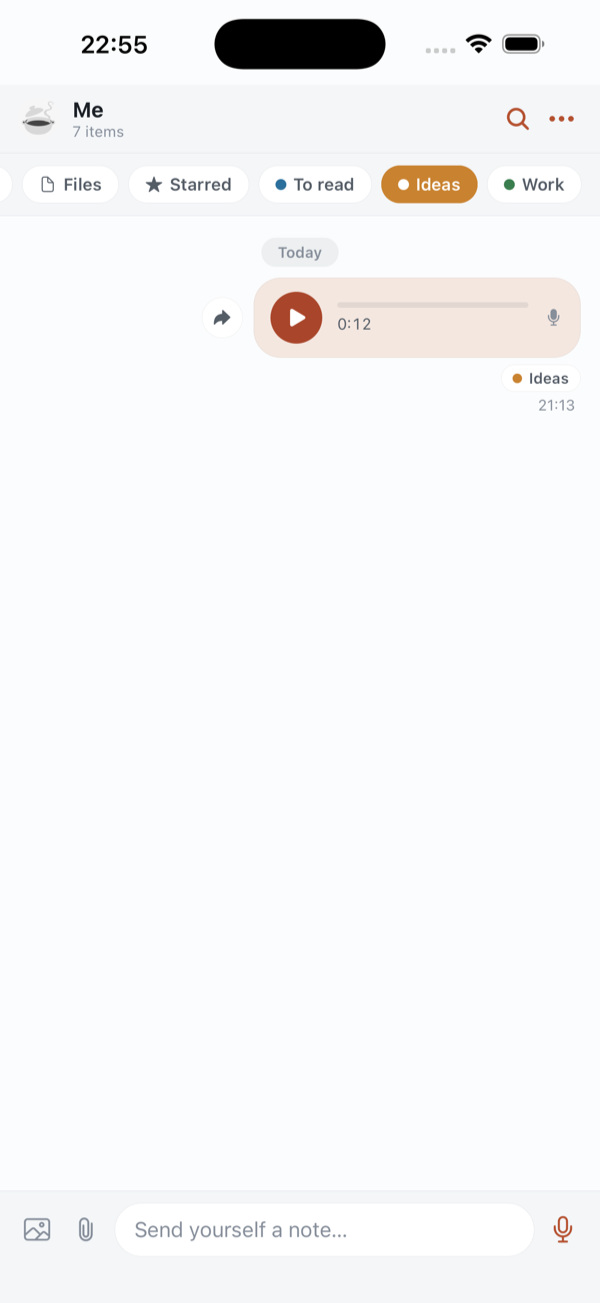
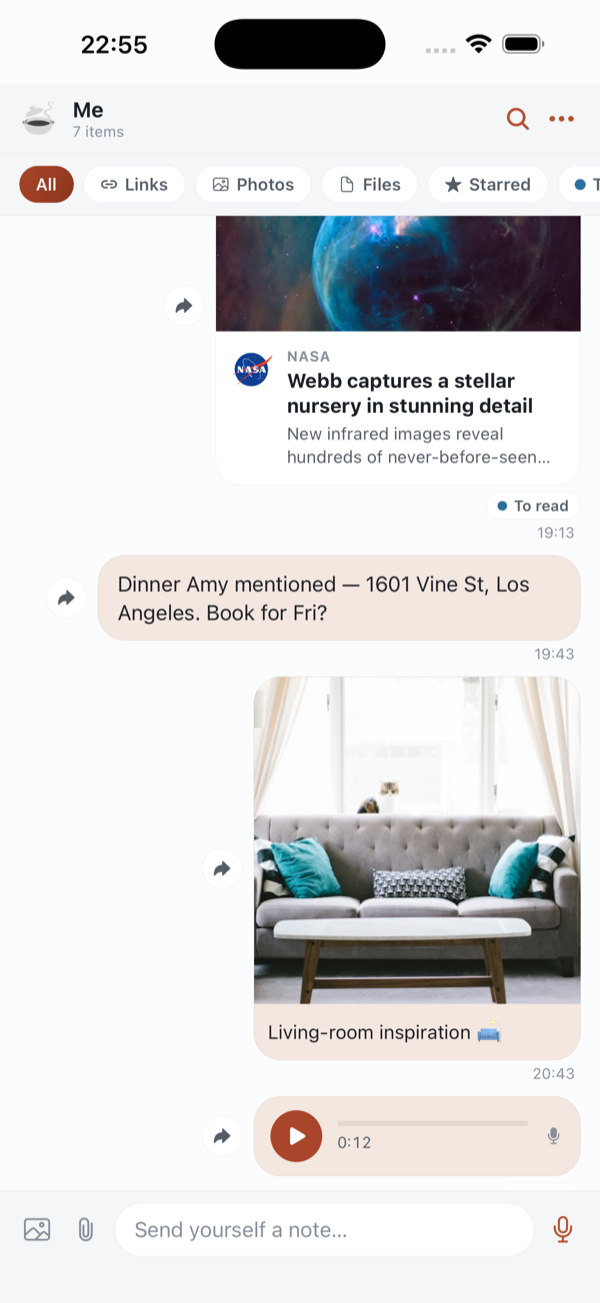
A familiar thread, just for one. Send yourself anything, any time.
Open it and start. No account, no email, no password to forget.
Your thread lives on your phone. Nothing leaves it, ever.
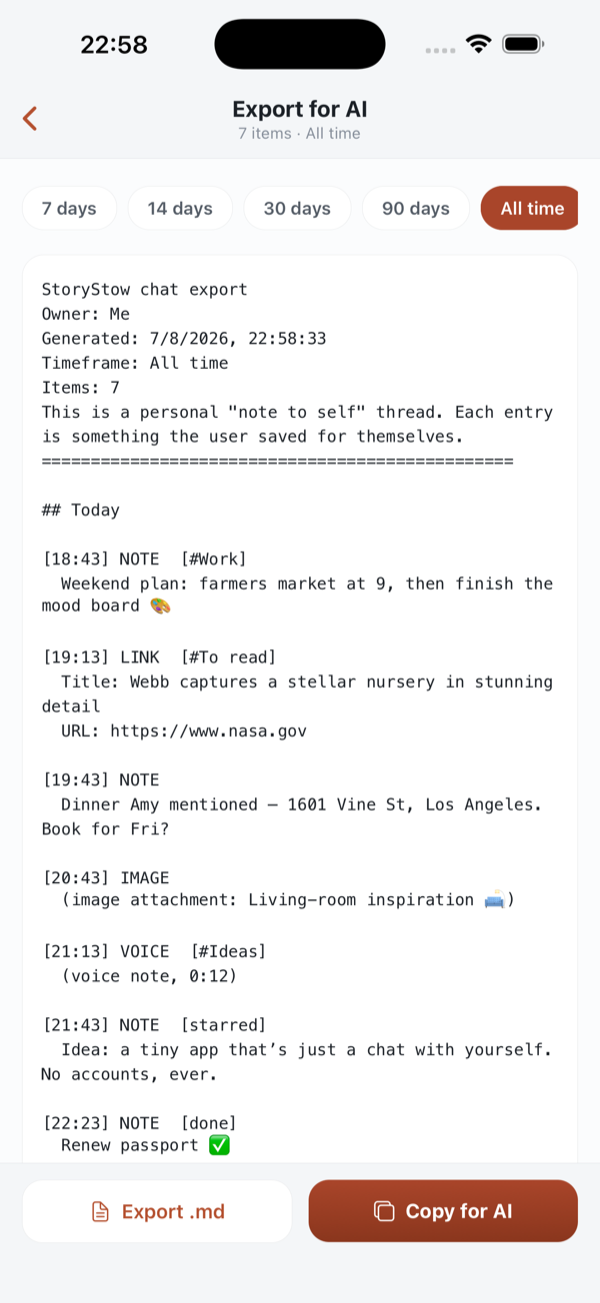
One tap turns your thread into clean Markdown for your AI assistant.
Reading in Safari, snapping a photo, saving a PDF, or recording a quick voice note — tap Share or the mic, and it lands in your thread, sorted and searchable.
Your notes are a great brief. Export the whole thread as clean, structured Markdown and paste it into any AI assistant — no copy-paste gymnastics.
Label things, star the keepers, tick off what's done, and search the lot. Your pile stays a place you actually want to look.
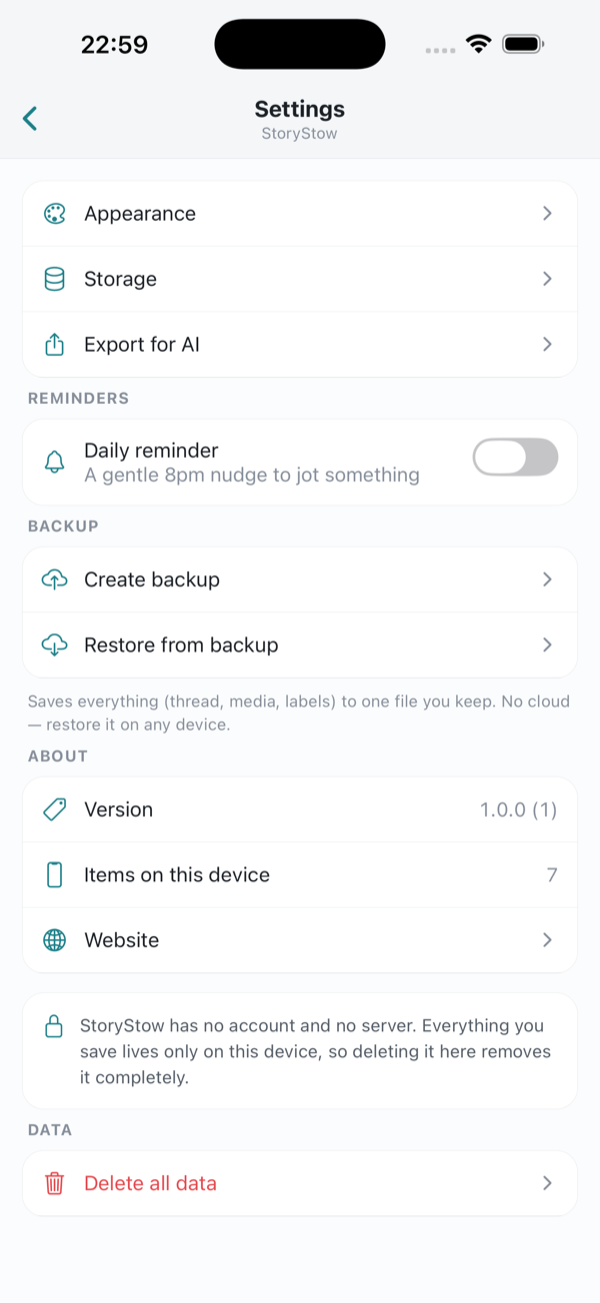
There's no account to create and no server to trust. StoryStow keeps everything on your device — and you can back the whole thing up to a file you keep, so on-device never means at-risk.
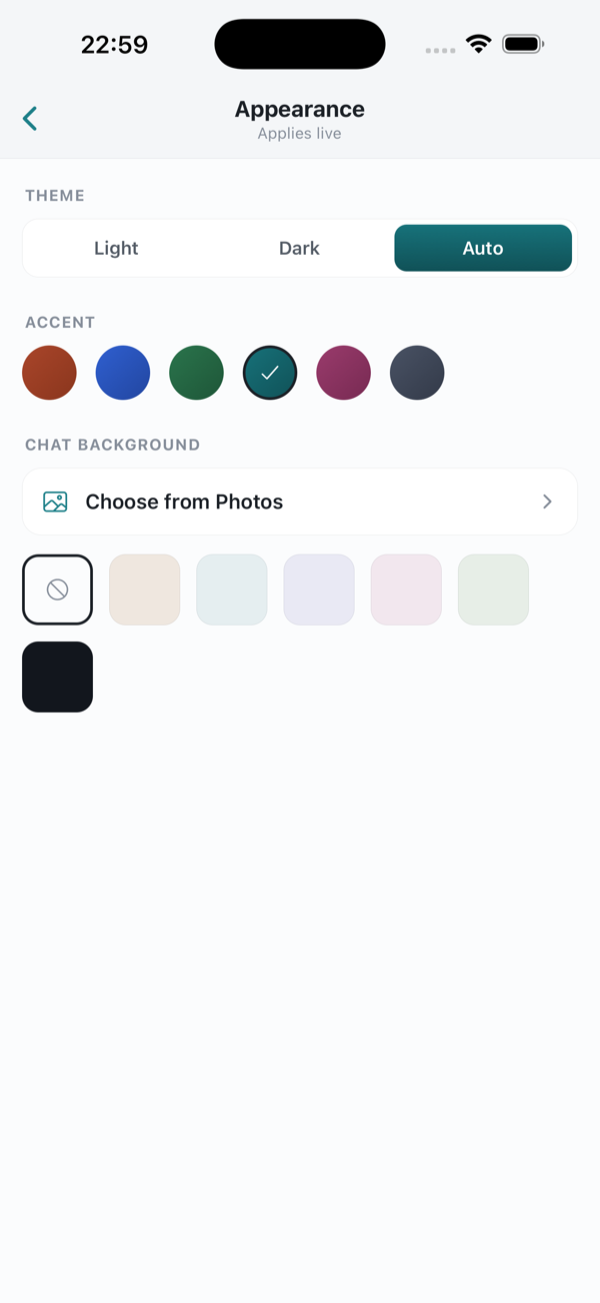
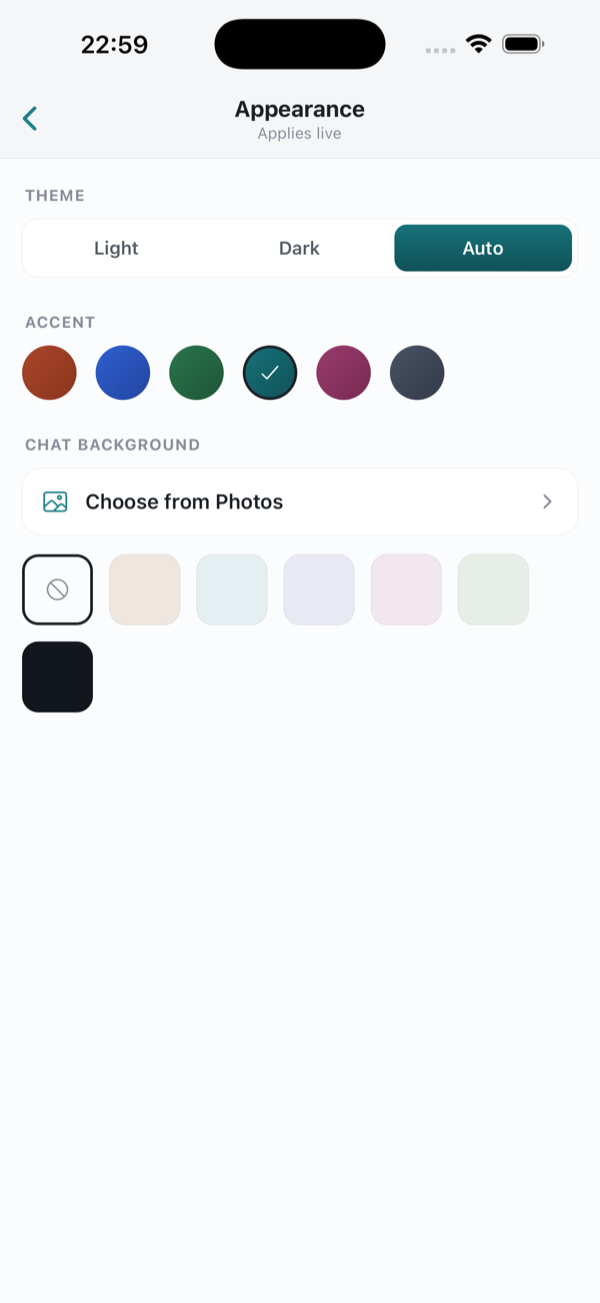
Set a name and avatar, pick a colour that feels like you, drop in your own chat wallpaper, and let StoryStow follow your day from light to dark.
Warm, quiet, and entirely yours.


The short version of what StoryStow is and how it keeps your notes yours.
StoryStow is a private note-to-self app for iPhone. It works like a chat with yourself: you send yourself notes, links, photos, files and voice notes, organize them with labels, and find them again with search. Everything is stored on your device, with no account.
Yes. StoryStow is free to use. There is no account, no subscription and no ads.
No account is required — you open the app and start. StoryStow works offline and keeps your notes on your device. Saving a web link fetches a small preview online, but the note itself always stays local.
Yes. There is no account and no cloud server holding your notes — everything lives only on your phone. You can back the whole thing up to a single file that you keep and control.
Notes, web links with previews, photos, documents and other files, and voice notes. You can add a caption or note to any of them.
Type directly in the app, or use the iOS Share sheet from Safari, Photos or any app to send links, images and files straight into your thread. You can also record voice notes with the microphone button.
Yes. StoryStow exports your whole thread as clean Markdown that you can copy to the clipboard or share as a .md file, then paste into ChatGPT, Claude or any other AI assistant.
StoryStow is built only for talking to yourself: one searchable thread with link previews, voice notes, labels, stars, done-states, one-tap AI export and on-device privacy — without turning a messaging chat or a flat notes list into a mess.
A quiet, private place for the things you'd otherwise text yourself. Now on the App Store, for iPhone.